
Aimbot controls
Advanced Aimbot
Master switch for the aimbot tab. With it off, every other published module can still run.
Team Check
Skips squadmates so your aim stays on enemy legends when team check is enabled with player ESP.
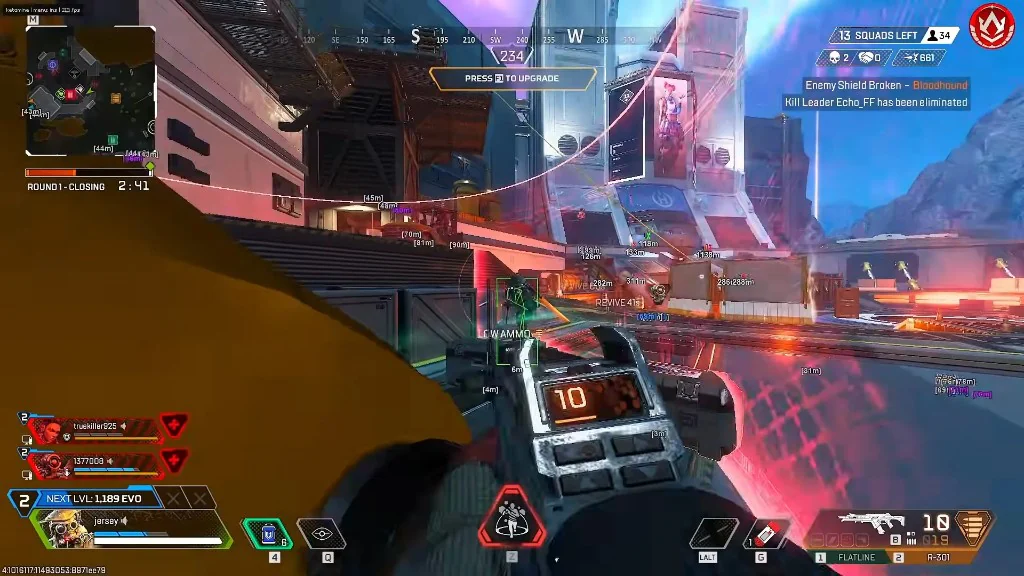
What the published aimbot includes
The live product listing names Advanced Aimbot and tuned aim settings. Those controls live in the Aimbot tab next to Visuals, Loot, and Misc.
If a clip shows silent aim, triggerbot, or per-weapon profiles that are not named on this site, it is not this menu.
Using aimbot with ESP
Most people run player ESP first so they know who is in front of them, then enable Advanced Aimbot with conservative settings. Team Check pairs with player ESP so your own squad reads differently on screen.
Game and anti-cheat updates can change what works on your PC. Check the Status page before you load.
Aimbot tab vs Misc
No Recoil lives in Misc, not the Aimbot tab. Weapon kick and aim movement are separate ideas: tune recoil in Misc, then decide whether Advanced Aimbot belongs in the same profile.
Works well with
Related reading
Apex Legends Aimbot questions
Can I use Apex Legends ESP without the aimbot?
Yes. Turn Advanced Aimbot off and player ESP, loot ESP, streamproof, and misc still run.
Does the aimbot include team check?
Team Check is published with player ESP and works with the aimbot tab so you do not lock onto squadmates.
Aimbot ships with the full menu
One license covers every module. Monthly is $35 for 31 days. Lifetime is $150.
Around the site
Status, checkout, and the guides that sit around this module.